What Is PDF/A? The Archival PDF Format Explained
What is PDF/A? Learn how the archival PDF standard works, how PDF/A-1, 2 and 3 differ, and how to convert a PDF to PDF/A for free so your files stay readable.
PDFTools 6 min read
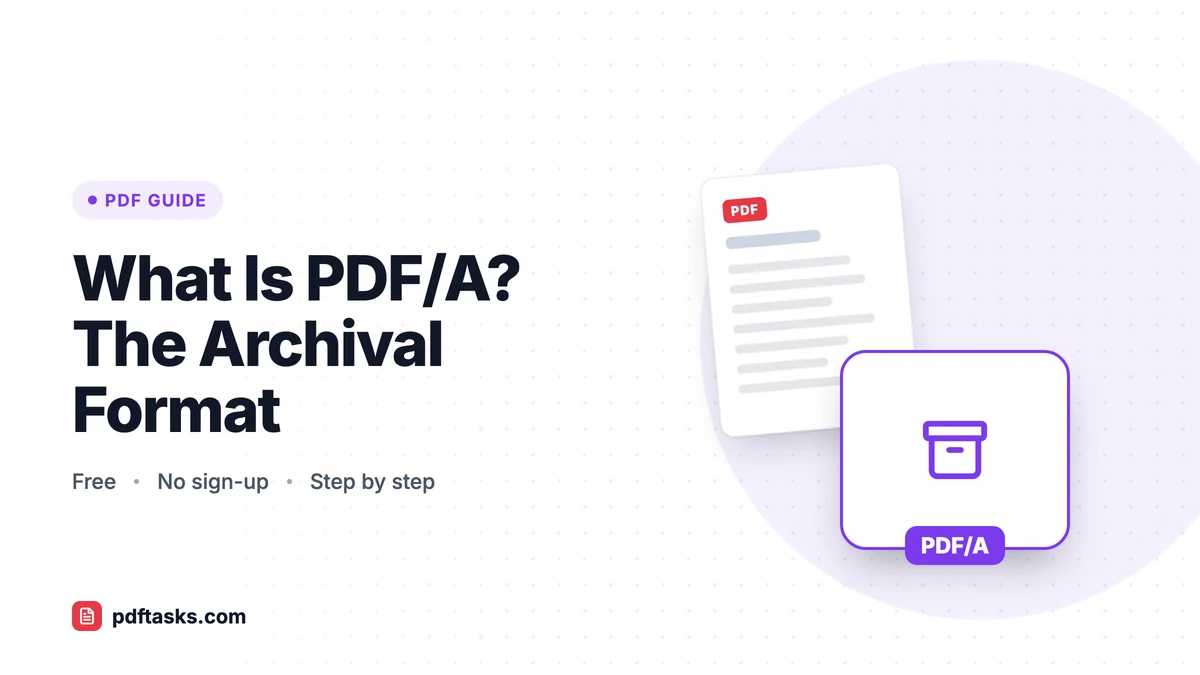
PDF/A is an ISO-standardized version of PDF designed for long-term archiving. A PDF/A file is self-contained: fonts are embedded, colors are defined in a device-independent way, and features that could break in the future, such as encryption, external content, and JavaScript, aren't allowed. You can convert a PDF to PDF/A for free with PDFTools.
This guide explains what the "A" really guarantees, how the versions and conformance levels differ, who requires PDF/A, and how to convert and check your files.
Why PDF/A exists
A regular PDF can depend on things outside the file. It might reference a font installed on the author's computer, link to external content, or run scripts. Years later, on a different system, that document might not look the same, or might not open properly at all.
PDF/A (standardized as ISO 19005) removes those dependencies. The idea is simple: everything needed to display the document exactly as intended must be inside the file itself. That makes PDF/A the standard choice for records that have to stay readable for decades.
What makes a file PDF/A compliant
A PDF/A document follows a set of rules. The most important ones:
- Fonts are embedded. The reader never has to substitute a font, so text looks the same everywhere.
- Colors are device-independent. Color is defined so it renders consistently across screens and printers.
- No encryption. Archives must be openable without a password that might be lost.
- No external content. Everything the document needs lives inside the file.
- No JavaScript or executable content. Nothing that could behave differently or stop working in future software.
Who requires PDF/A?
Courts, public administrations, universities, and many companies require PDF/A for records and submissions. You'll commonly run into it when:
- Filing documents electronically with courts or government agencies
- Submitting a thesis or dissertation to a university repository
- Archiving invoices, contracts, and HR records under a company retention policy
- Delivering documents to a client or public body with archival requirements
If a portal or institution asks for "PDF/A," check its exact requirements. Many specify a version and conformance level.
PDF/A versions and conformance levels
PDF/A comes in several parts, each based on a different PDF version, plus conformance levels marked by a letter.
Versions
| Version | Based on | Key points |
|---|---|---|
| PDF/A-1 | PDF 1.4 | The original, most restrictive version; no transparency |
| PDF/A-2 | PDF 1.7 | Allows transparency, layers, and JPEG 2000 compression |
| PDF/A-3 | PDF 1.7 | Like PDF/A-2, but allows embedding other file types as attachments |
Conformance levels
| Level | What it guarantees |
|---|---|
| b (basic) | The visual appearance of the document can be reproduced reliably in the future |
| u (Unicode) | Level b plus text that can be reliably extracted and searched as Unicode |
| a (accessible) | Level u plus a tagged structure for accessibility (PDF/A-1a, 2a, 3a) |
The b level is what most archive requirements ask for. It guarantees the document will look the same in the future, which is the core purpose of archiving.
How to convert a PDF to PDF/A with PDFTools
The PDF to PDF/A converter creates PDF/A-2b files using Ghostscript. It's free and requires no sign-up.
- Unlock the file if needed. PDF/A doesn't allow encryption, so remove any password with Unlock PDF first.
- Open PDF to PDF/A. Go to the tool in any modern browser.
- Upload your PDF. The file is sent over HTTPS. Files up to 100 MB are supported.
- Convert. The document is converted to PDF/A-2b on the server.
- Download and validate. Save the result. If compliance is critical, check it with a validator (see below). The file is deleted from the server automatically within an hour.
Will converting change how my PDF looks?
It should look the same. In rare cases, fonts that can't be embedded are replaced, and transparency or colors may be adjusted to meet the standard. Always open the converted file and skim it before submitting, especially if the document uses unusual fonts.
How to check that a file is really PDF/A
Conversion can't fix every possible problem in a source file. A damaged PDF or one with unusual content can fail validation even after conversion. If compliance is required, check the file with a dedicated validator such as veraPDF, an open-source PDF/A validator.
If a file has structural errors, try running it through Repair PDF before converting again.
Other ways to create PDF/A files
Microsoft Word
When you save a document as PDF in Word on Windows, the Options dialog includes a PDF/A compliant checkbox. It's the easiest route if you're creating the document yourself.
LibreOffice
LibreOffice's PDF export options include an archive (PDF/A) setting. It's a free option for documents you create in LibreOffice.
Desktop PDF editors
Professional PDF editors can convert existing PDFs to various PDF/A versions and include built-in preflight checks. They're useful if you handle archival documents every day.
| Method | Works on existing PDFs | Cost |
|---|---|---|
| PDFTools PDF to PDF/A | Yes, outputs PDF/A-2b | Free |
| Word "PDF/A compliant" | No, new documents only | Included with Office |
| LibreOffice export | No, new documents only | Free |
| Desktop PDF editor | Yes | Often paid |
Tips for archiving documents as PDF/A
- Finish editing first. Merge, reorder, and add page numbers before converting. Our guides on merging PDF files and adding page numbers can help.
- Scan paper records cleanly. If you're archiving paper documents, start with good scans; see how to scan documents to PDF.
- Don't password-protect archive copies. Encryption isn't allowed in PDF/A. Control access through where you store the file instead.
- Keep the original. Store the source PDF alongside the PDF/A version in case you need to edit it later.
- Use clear file names. Archives are only useful if you can find things. Include a date and a description.
Frequently asked questions
What does the "A" in PDF/A stand for?
It stands for archive. PDF/A is an ISO standard (ISO 19005) for PDFs intended for long-term preservation.
What is the difference between PDF/A-1, PDF/A-2 and PDF/A-3?
They're versions of the standard. PDF/A-2 is based on a newer PDF version and allows features such as transparency and JPEG 2000 compression, and PDF/A-3 additionally allows embedded file attachments. Many archives accept PDF/A-2b, but check the requirements of the place you're submitting to.
Is the converted file guaranteed to be compliant?
The conversion targets PDF/A-2b, but unusual source files can contain problems that conversion can't resolve. If compliance is required, validate the file with a tool such as veraPDF.
Can I convert a password-protected PDF to PDF/A?
Not directly, because PDF/A doesn't allow encryption. Remove the password with Unlock PDF first, then convert.
Are my documents stored after conversion?
No. Files are uploaded over HTTPS and deleted automatically within an hour of processing.