How to Sign a PDF Online for Free Without Printing
Learn how to sign a PDF online for free by drawing, typing or uploading your signature, then placing it on the page and sending it back without printing.
PDFTools 6 min read
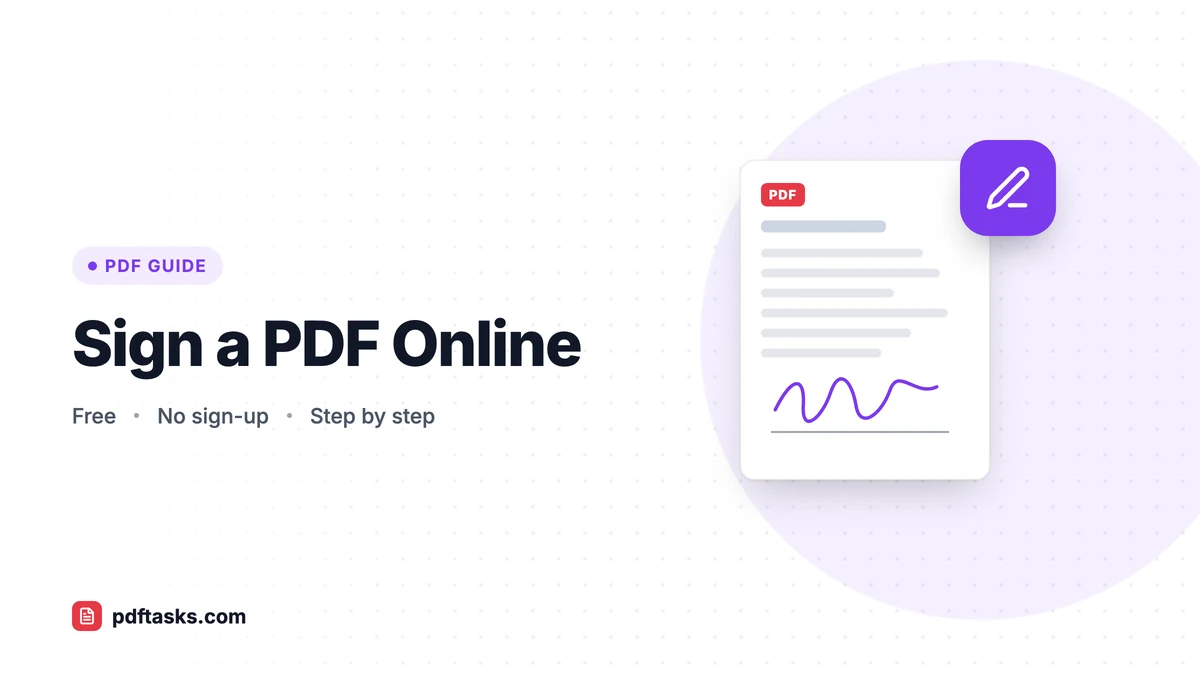
To sign a PDF online, open a PDF signing tool, create your signature by drawing it, typing your name, or uploading a photo of it, then place and resize it on the signature line and download the signed file. With PDFTools Sign PDF, all of this happens in your browser, so neither the document nor your signature is uploaded.
Below is a step-by-step walkthrough, an honest look at electronic vs. digital signatures, and the alternatives built into your Mac, PC, or phone.
Why sign PDFs electronically?
Printing a page, signing it with a pen, scanning it, and emailing it back takes time and usually produces a crooked, gray copy. Signing the PDF directly is faster and looks cleaner. It's a good fit for:
- Everyday agreements like rental forms, freelance quotes, and service contracts
- Internal approvals such as expense claims and time sheets
- School and club forms, permission slips, and consent forms
- Delivery notes and acknowledgments
Three ways to create your signature
Sign PDF lets you make your signature in whichever way feels most natural.
| Method | How it works | Best for |
|---|---|---|
| Draw | Sign with a mouse, trackpad, stylus, or your finger on a touchscreen | A signature that looks handwritten, especially on phones and tablets |
| Type | Type your name and it's rendered in a handwriting-style font | Speed and a tidy, consistent look |
| Upload | Upload a photo or image of your signature on paper | Matching your real pen signature exactly |
Tip for uploads: sign on plain white paper with a dark pen, photograph it in good light, and crop tightly around the signature. A clean image looks far more natural on the page.
How to sign a PDF with PDFTools
The free PDF signing tool needs no account and works on desktop and mobile.
- Open Sign PDF. Go to the tool in any modern browser.
- Choose your document. Select the PDF you need to sign. It stays on your device; it isn't uploaded.
- Create your signature. Draw it, type it, or upload an image of it.
- Place and resize it. Drag the signature to the right spot and resize it so it sits naturally on the signature line.
- Download the signed PDF. Save the file and check it before sending it back.
Electronic signature vs. digital signature
These terms are often used interchangeably, but they mean different things, and it matters for some documents.
| Visual electronic signature (Sign PDF) | Certificate-based digital signature | |
|---|---|---|
| What it is | An image of your signature placed on the page | A cryptographic signature tied to a certificate |
| Proves who signed? | No, it shows the signature visually | Yes, through the certificate |
| Detects later changes? | No | Yes |
| Typical use | Everyday agreements, forms, internal approvals | Some legal, regulated, or official processes |
Sign PDF creates a visual electronic signature. It's widely used for day-to-day paperwork. It doesn't add a cryptographic certificate, so if a process specifically requires a qualified or certificate-based digital signature, check what your recipient accepts.
Is an electronic signature legally valid?
In many countries, simple electronic signatures are accepted for everyday agreements. Rules vary by jurisdiction and document type, though, and some contracts have specific legal requirements. When in doubt, ask the recipient or a legal adviser.
Other ways to sign a PDF
macOS Preview
Preview has a built-in signature feature (the Markup toolbar's Sign button). You can create a signature with your trackpad, or on supported setups with your iPhone or iPad. It's convenient for Mac users and works offline.
iPhone and iPad Markup
In the Files app or Mail, Markup lets you add a signature to a PDF with your finger. It's handy for quick signatures on the go.
Adobe Acrobat Reader and other PDF readers
Many PDF readers include a "fill and sign" feature. If you already use one, it's a reasonable choice. Browser-based tools like PDFTools work the same way on any device without installing anything.
Privacy: your signature stays on your device
A signature is personal. Sign PDF processes both the document and your signature entirely in your browser. Nothing is uploaded to PDFTools servers, and your signature isn't stored anywhere.
How to make a signed PDF harder to tamper with
Because a visual signature is an image on the page, someone with editing software could try to move or copy it. You can make that harder:
- Flatten the document. Running the signed file through Flatten PDF makes the signature part of the page content, so it can't simply be dragged around.
- Add a password. For sensitive agreements, encrypt the signed file with Protect PDF. Our guide on how to password-protect a PDF explains how to share the password safely.
- Keep your own copy. Save the exact version you signed and sent.
Tips for signing PDFs like a pro
- Fill in the form first. If the document has fields to complete, use PDF Forms or Edit PDF to fill them in, then sign.
- Size it realistically. A signature that spills over the line or is tiny looks off. Aim for roughly the height of two lines of text.
- Sign every page that needs it. Contracts often ask for initials on each page plus a full signature at the end.
- Combine before you sign. If you need to return several documents together, merge them first and sign the single file.
- Signing a paper document? Turn it into a PDF with your phone camera first; see how to scan documents to PDF.
Common mistakes to avoid
Assuming every signature is equal. For regulated or high-value contracts, a certificate-based digital signature may be required. Check first.
Sending an editable file. Flatten or protect the signed PDF if tampering is a concern.
Using a low-quality signature photo. Shadows, lined paper, and loose cropping make an uploaded signature look pasted on.
Frequently asked questions
Can I sign a PDF online for free?
Yes. PDFTools Sign PDF is free and requires no sign-up. You can draw, type, or upload your signature and place it anywhere on the page.
Is an electronic signature legally binding?
In many countries, simple electronic signatures are accepted for everyday agreements, but rules vary by jurisdiction and document type. For contracts with specific legal requirements, check with the recipient or a legal adviser.
Is this a digital signature with a certificate?
No. Sign PDF places an image of your signature on the page. It doesn't add a cryptographic certificate that verifies identity or detects later edits.
Can I sign a PDF on my phone?
Yes. You can draw your signature with your finger on a touchscreen, right in your mobile browser.
Is my signature stored anywhere?
No. Your signature and the document are processed in your browser and are never uploaded to PDFTools servers.
How can I stop someone from moving my signature?
Run the signed document through Flatten PDF so the signature becomes part of the page content. For stronger protection, also add a password with Protect PDF.